
Save anything from any app.
Find it again in seconds.
Links, videos, notes and screenshots, all in one private library on your phone. Share from any app, add why it matters, and let topics and search do the rest.

Works on iPhone and Android · No ads · Your library stays on your device
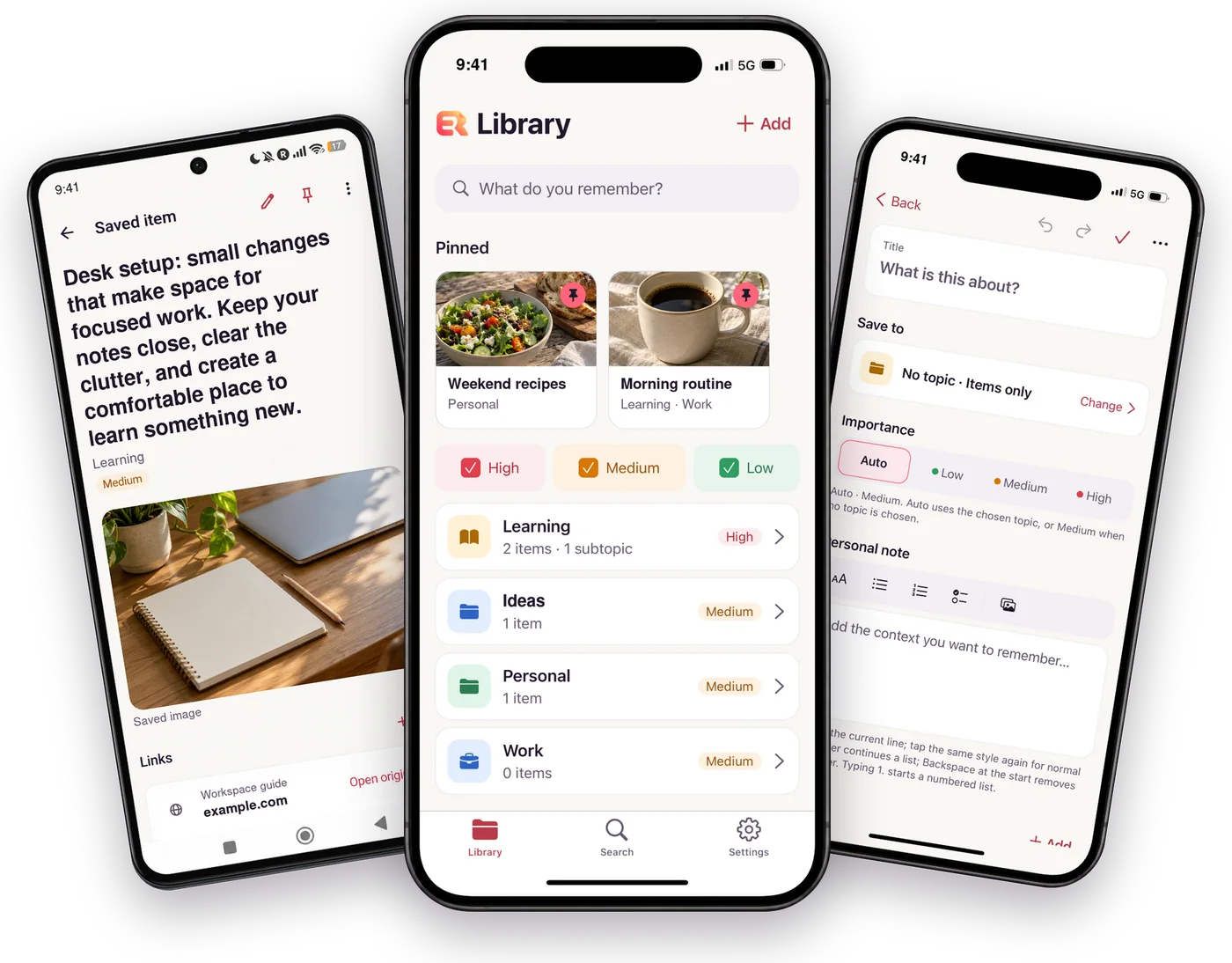
See Easy Remember in action.
Watch why we made it and how to save what matters, organize it into topics, and find it again.
Three taps. Nothing forgotten.
Saving takes seconds, and finding takes less.
Share it
Tap Share in any app — your browser, your photos, a video you’re watching — and choose Easy Remember.
Say why
Add a note about why it matters, pick a topic and how important it is. On iPhone you never leave the app you’re in.
Find it
Search any word you remember — from the title, your note or the link — and it’s right there.
Save without leaving the app you’re in
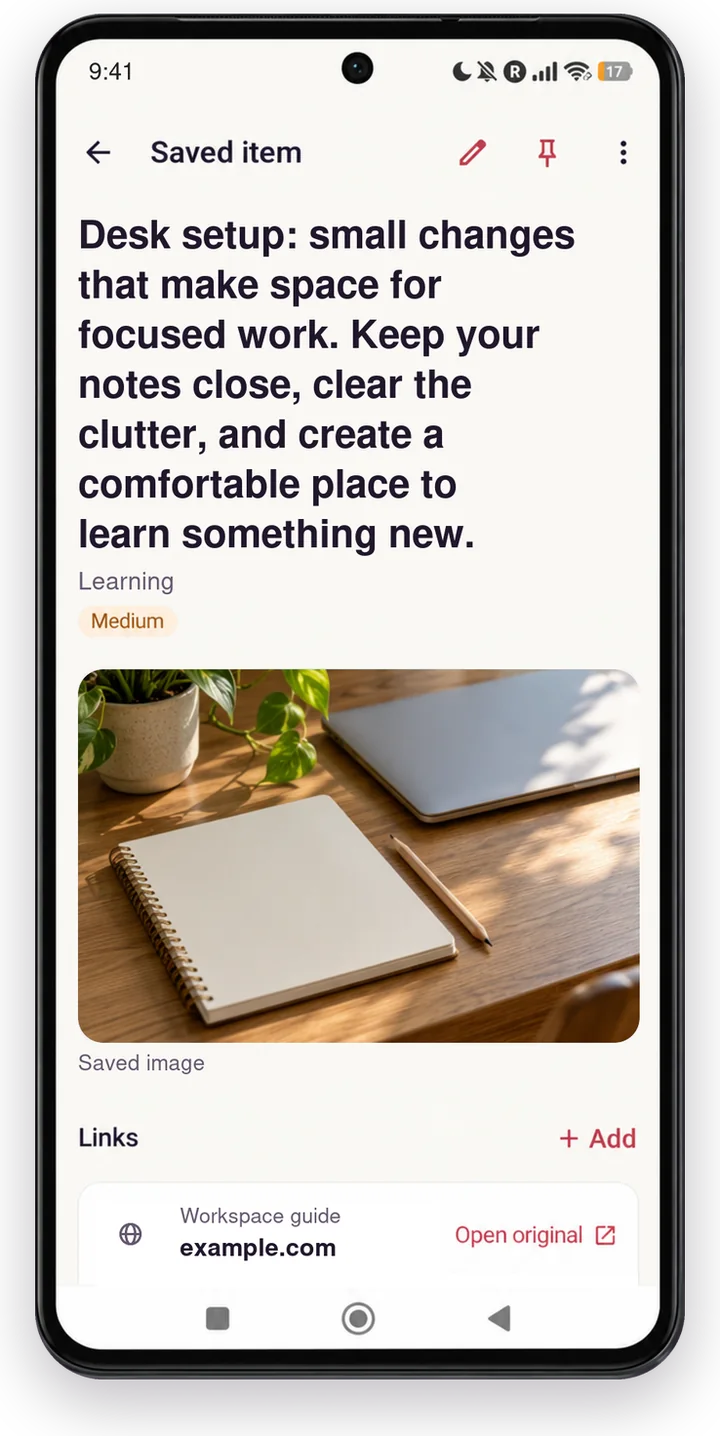
See something worth keeping? Share it to Easy Remember and it’s saved, with its title, image and site icon, so you recognize it at a glance.
- On iPhone, a quick sheet opens right where you are
- Links fill in their own title, description and image
- Already saved? Add a new note to the existing item
Topics that adapt to you
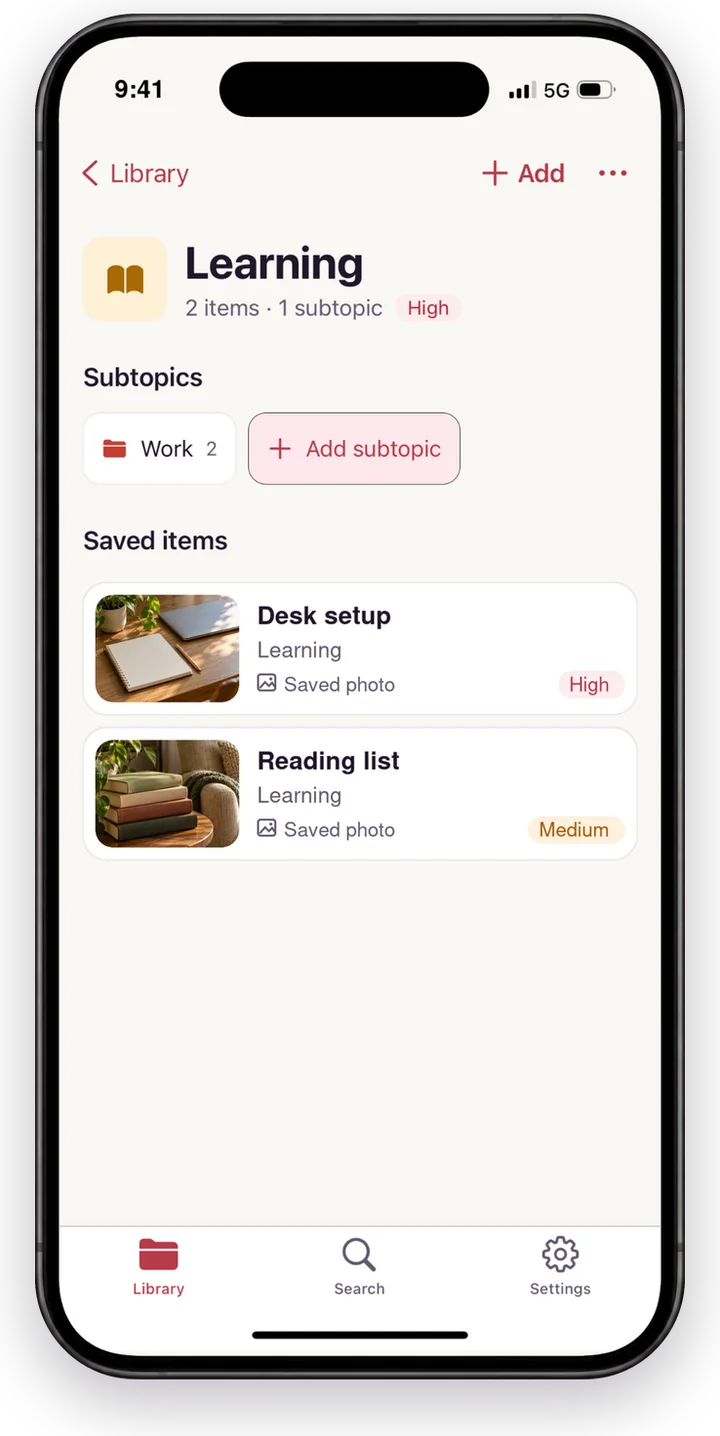
Group everything into topics and subtopics with their own icons and colors. The topics you use most move to the top, so the right one is always one tap away.
- Topics and subtopics; one item can live in several
- Most-used topics first, and pins for favorites
- Mark what matters: Low, Medium, High or Auto
Find anything in seconds
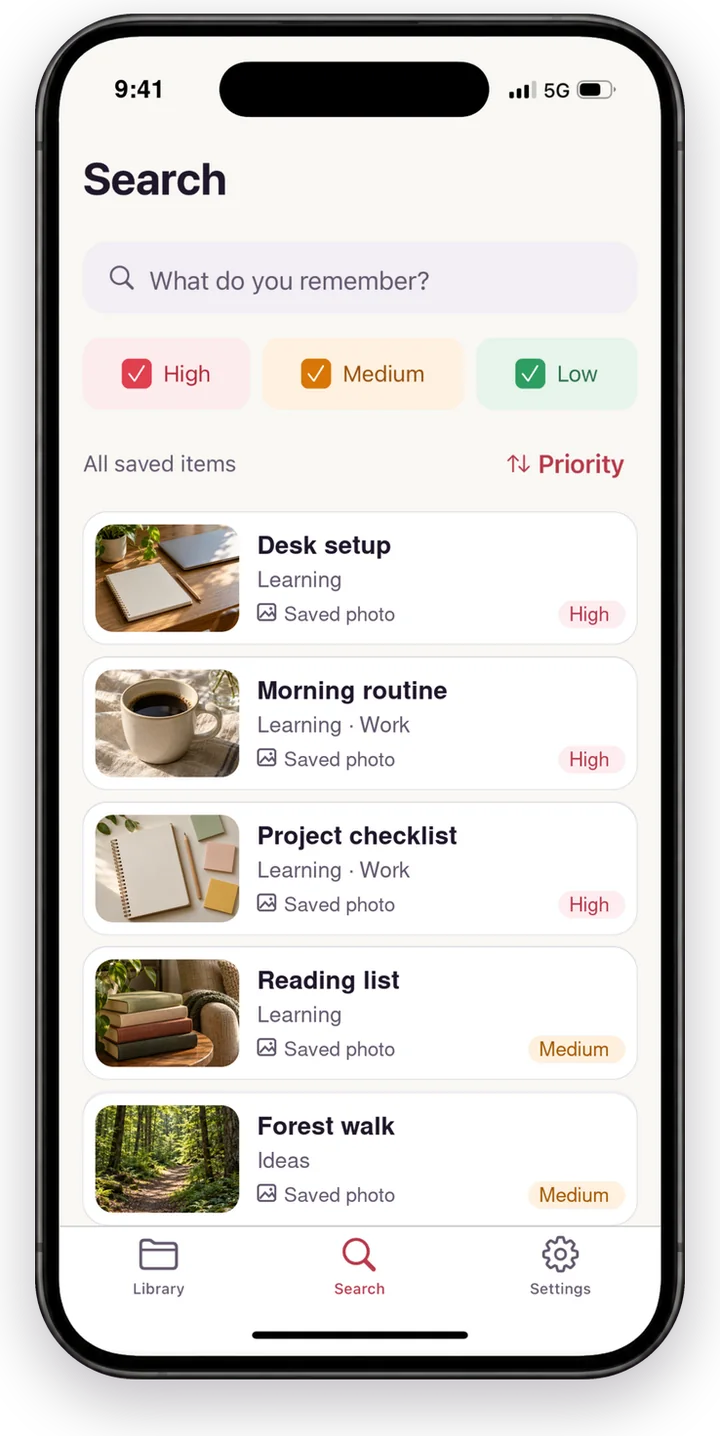
Everything you saved waits in the Saved tab, newest first. Type any word you remember — from the title, your own note, the description or the original link — filter by importance and sort by priority or date.
- Searches titles, notes, descriptions and links
- A badge shows new saves you haven’t seen yet
- High, Medium and Low filters
- Sort by priority, newest or oldest
Notes that keep the details
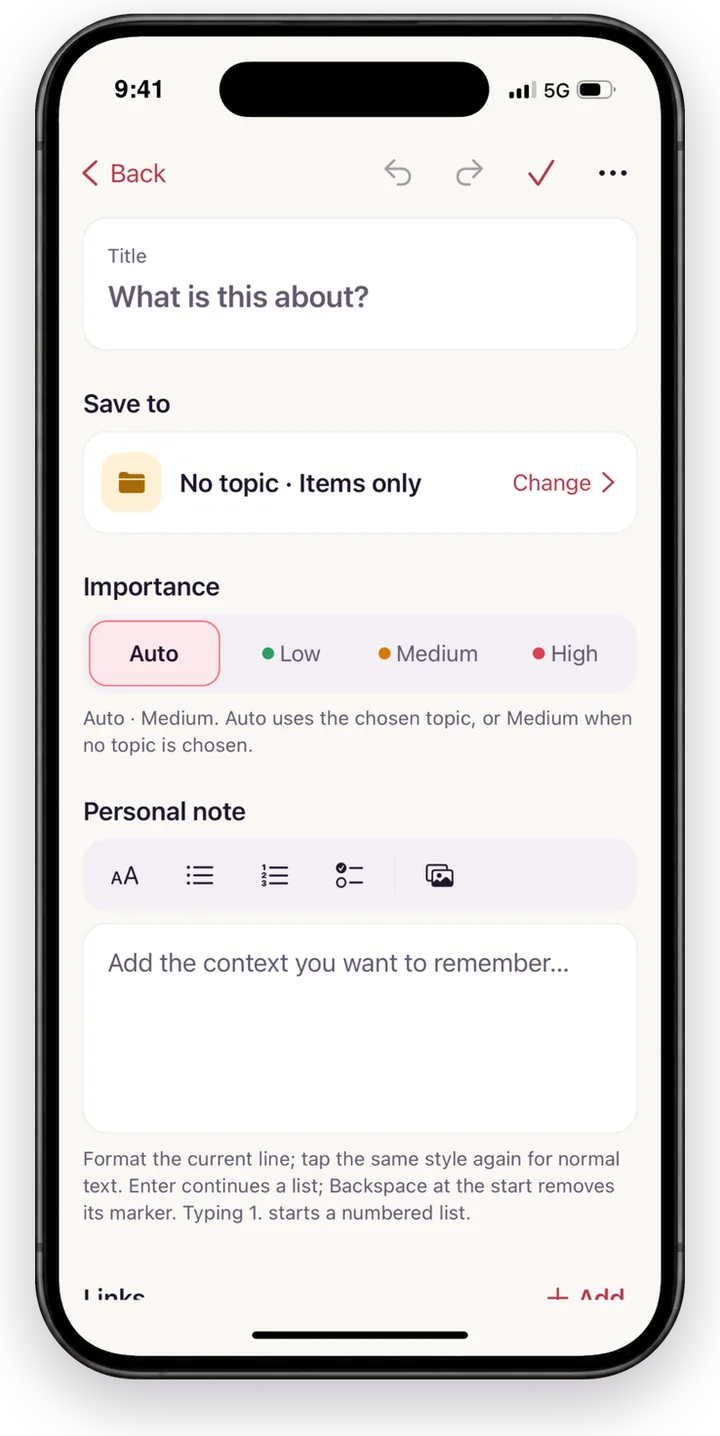
Write your own notes with headings, lists, checklists and photos. Changes save as you type, and undo is always there.
- Rich text, checklists and images
- Autosave, with undo and redo
- Removed by mistake? Restore it from Recently removed
Never forget what you saved.
Easy Remember Pro brings your saves back at the right time. Monthly or a one-time Lifetime purchase; everything free stays free.
Remind me
A reminder for any saved item or topic: tonight, tomorrow, this weekend or any date and time. Once, every week or every month, with Snooze, Done and Open link right in the notification.
Rediscover
Daily rediscover brings back one thing you saved a while ago, and the Weekly review shows what you saved and haven’t opened yet.
App Lock
Open your private library with Face ID, Touch ID, your fingerprint or your passcode.
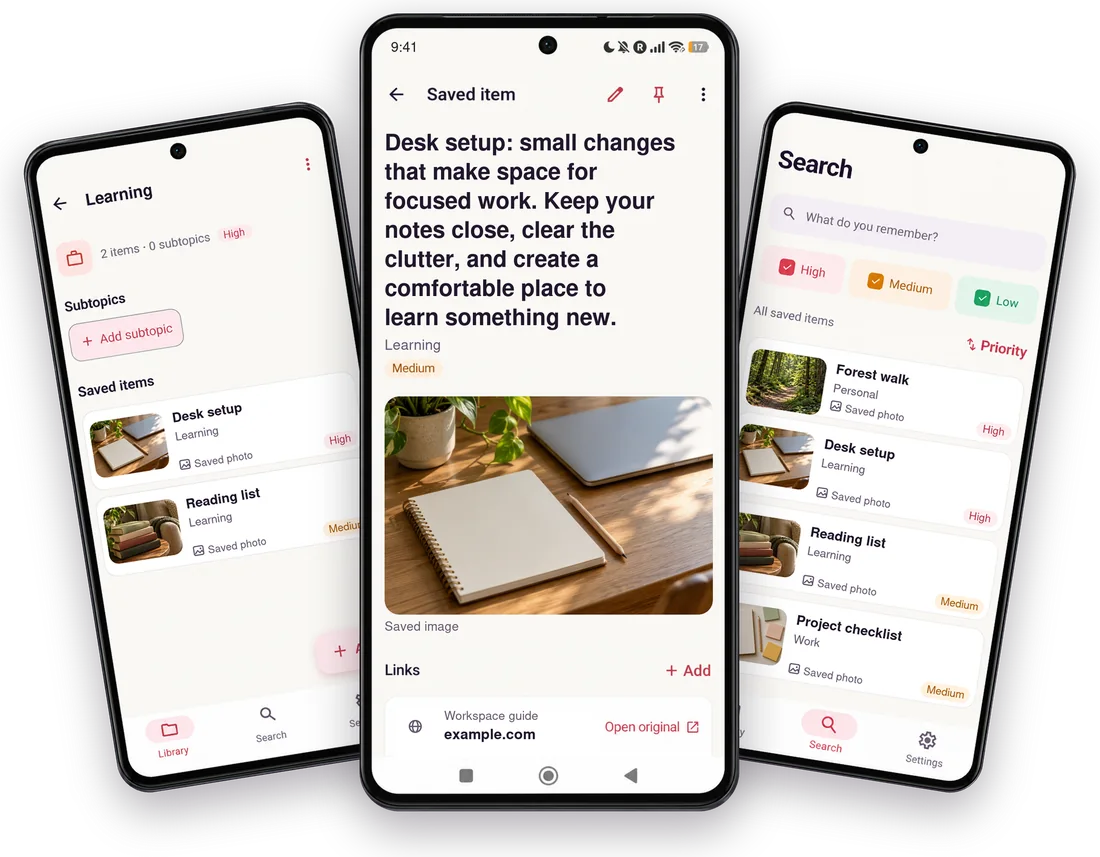
At home on your phone.
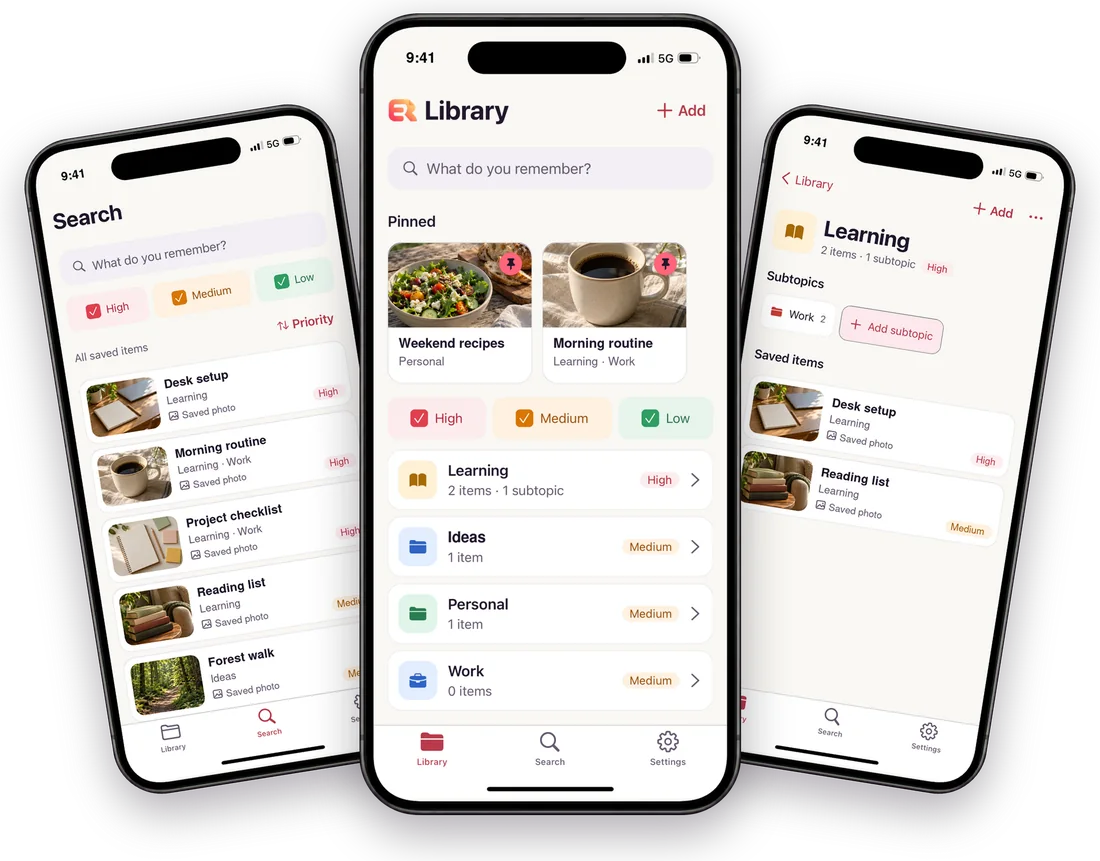
Designed to feel native on iPhone and Android, with the same library, topics and search.
Your memory, not our data.
Easy Remember keeps your library on your device. There’s no account to create, and your notes and images are never uploaded to our servers or sent to an AI service.
- No account, no sign-up
- Library stored on your device
- No ads, no tracking for advertising
- Optional crash reports never include your content
- Reminders are scheduled on your phone, not on a server
Questions
Is Easy Remember free?
Yes. Saving, topics, notes and search are free, with no ads. Easy Remember Pro, a monthly subscription or a one-time Lifetime purchase, adds reminders, Daily rediscover, the Weekly review and App Lock.
Do I need an account?
No. Open the app and start saving; your library lives on your phone.
What can I save?
Links and web pages, videos from social apps, text, and images from your photos, plus your own notes.
Does it work offline?
Yes. Saving, editing, organizing and search all work offline; link titles and images are fetched when you’re back online.
Can I move my library to a new phone?
Export and import aren’t available yet. Your phone’s own backup may include the app’s data, but keep copies of anything irreplaceable.
More answers on the Support page.
Stop losing the things you meant to remember.
Free on iPhone and Android.
Apple and the Apple logo are trademarks of Apple Inc. App Store is a service mark of Apple Inc. Google Play and the Google Play logo are trademarks of Google LLC.